SSH Keys
SSH Key Access
SSH keys provide a secure, passwordless way to access your virtual machine. This setting allows you to view SSH public keys authorized to log in to the VM. By using key-based authentication, you eliminate the need to remember passwords and reduce the risk of unauthorized access from brute-force attacks.
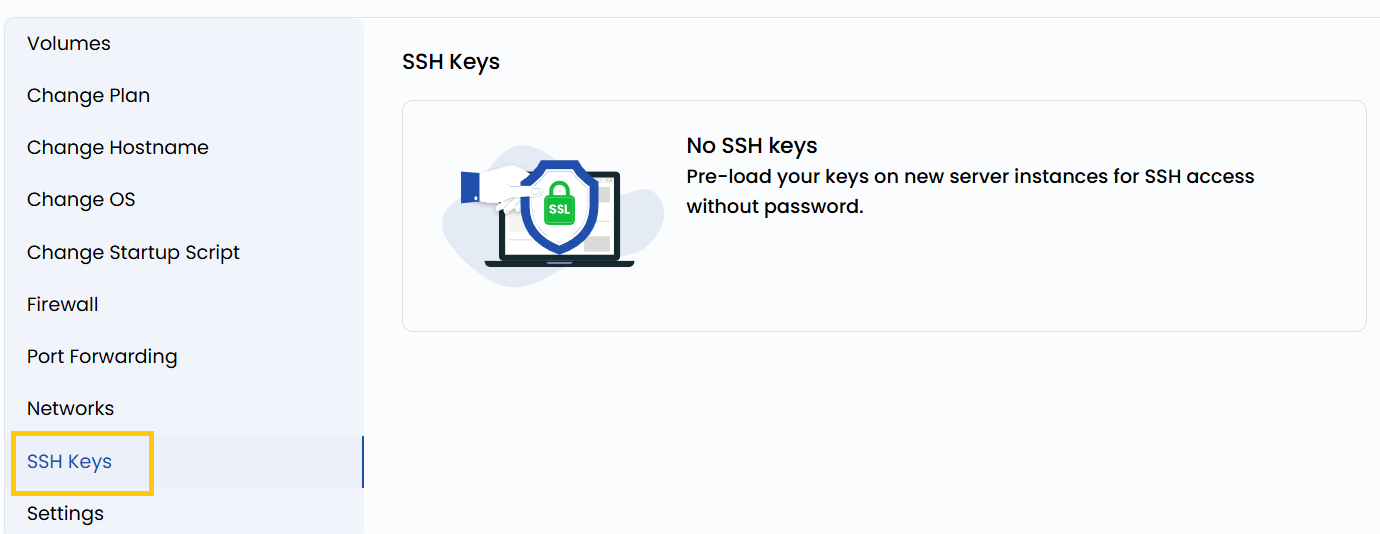
- To view SSH key, go to the VM settings and navigate to the SSH Keys section.
warning
You need to stop the Instance to perform reset SSH Key operation.
Conclusion
SSH key authentication offers a more secure and efficient alternative to traditional password-based logins. By managing your authorized keys through the VM settings, you ensure controlled access to your instance. Regularly audit your SSH keys to maintain a secure environment and revoke any unused or outdated keys.
tip
See also: